Find your customers. Reach their door. See what came back.
DoorDroppr runs your whole flyer campaign in one place, from choosing the streets and printing the flyers to seeing which doors turned into bookings.
Find the streets that fit. Describe your ideal customer and every neighborhood gets a fit score.
See how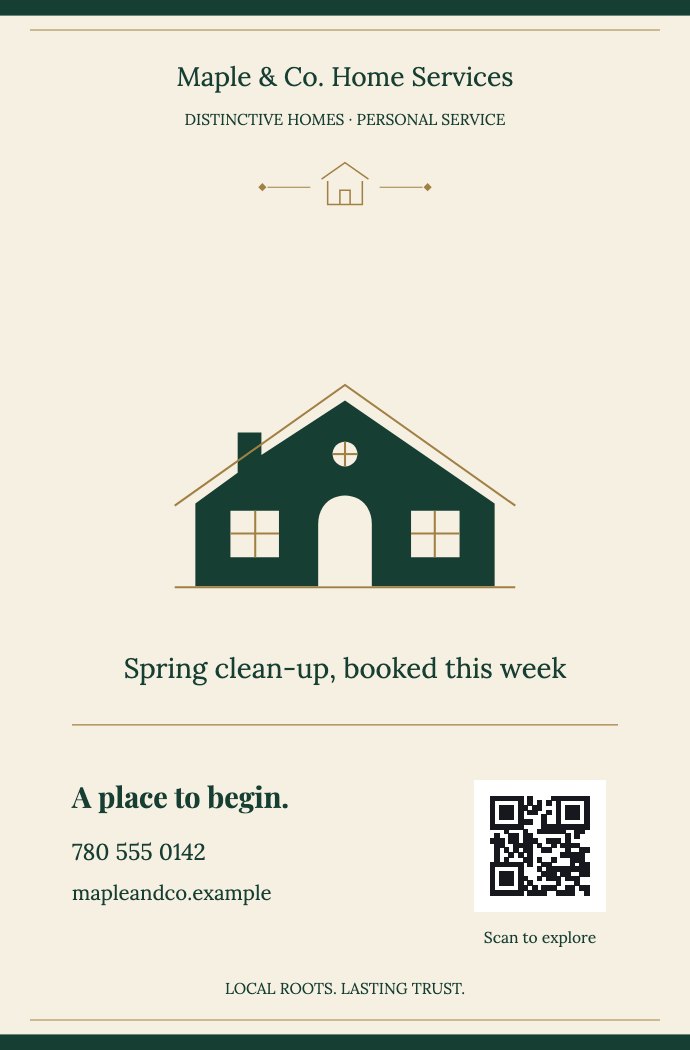
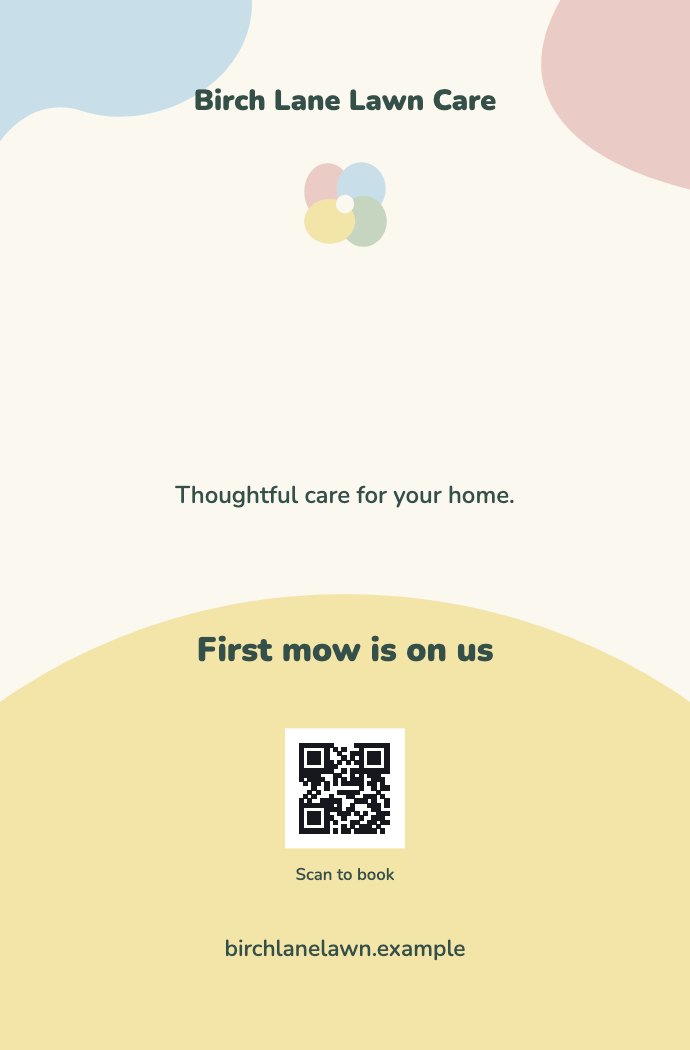
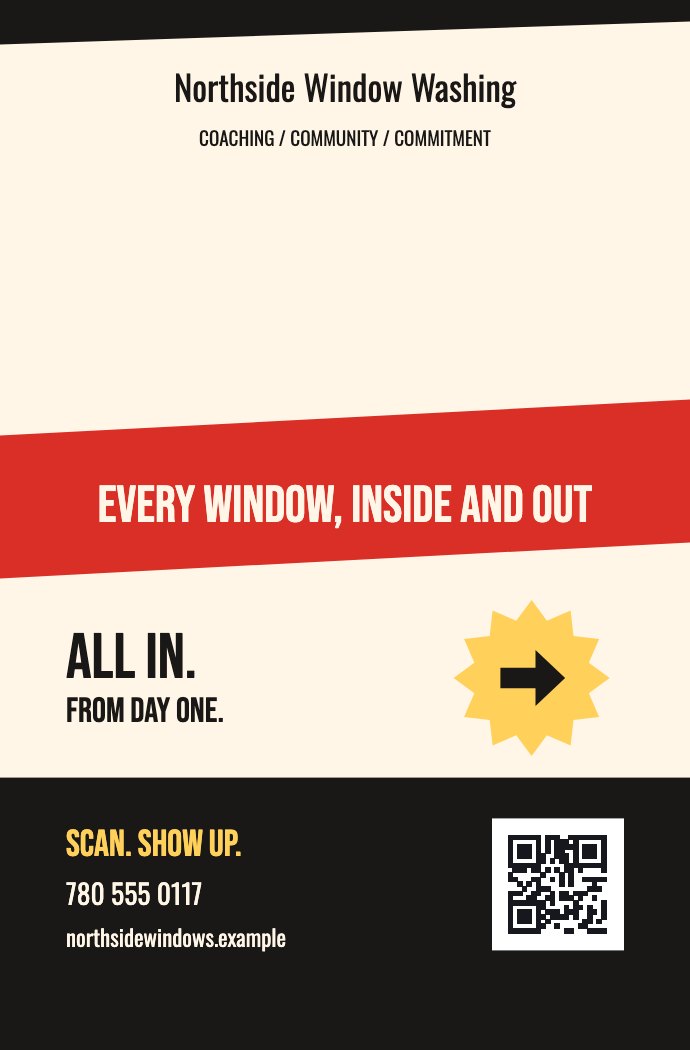
A flyer campaign is nine jobs. DoorDroppr runs all of them.
Today those jobs live in a map app, a print shop counter, a group chat and your memory, and at the end nobody can say what 3,000 flyers did. DoorDroppr keeps every one of them on the same campaign record.
Before the drop
- Choosing where to drop A hunch, or wherever you dropped last time.Every neighborhood scored for your kind of customer, next to the ground you have already covered.In the beta
- Splitting up the area A screenshot of a map with marker lines on it.The campaign area cut into balanced walking routes, one per person, on a map everyone shares.In the beta
- Designing the flyer A design tool, and a file you hope prints right.Templates sized for print, or your own file checked before it goes to press.Coming to early access
- Printing and shipping A trip to the print counter and a wait for a quote.Printed with a different QR code on every flyer, then shipped to your door.Coming to early access. QR codes work today.
On the street
- Running the crew A group chat, and trust.Invite codes, roles, a live team map and dispatch notes.In the beta
- Tracking the walk Memory, and a rough idea of which streets are done.The phone in a pocket records every street with the screen off, and coverage adds up over time.In the beta. iPhone for now.
- Handing off the walking Whoever is free that weekend.A delivery marketplace for businesses that would rather not walk their own routes.In development
After the drop
- Knowing a flyer worked Asking callers how they heard about you.A scan, a lead or a booking ties back to the campaign and the street it came from.In the beta. Needs a snippet on your website.
- Deciding the next drop Printing the same run again, on a feeling.Results by street, territory and crew member show where the last drop worked.In the beta
All of it runs on one campaign record, and it starts with one walk.
Get early accessHow it works, in five steps.
One system for the whole flyer campaign. Each step feeds the same record, so your team and your results stay together.
Choose the right neighborhood.
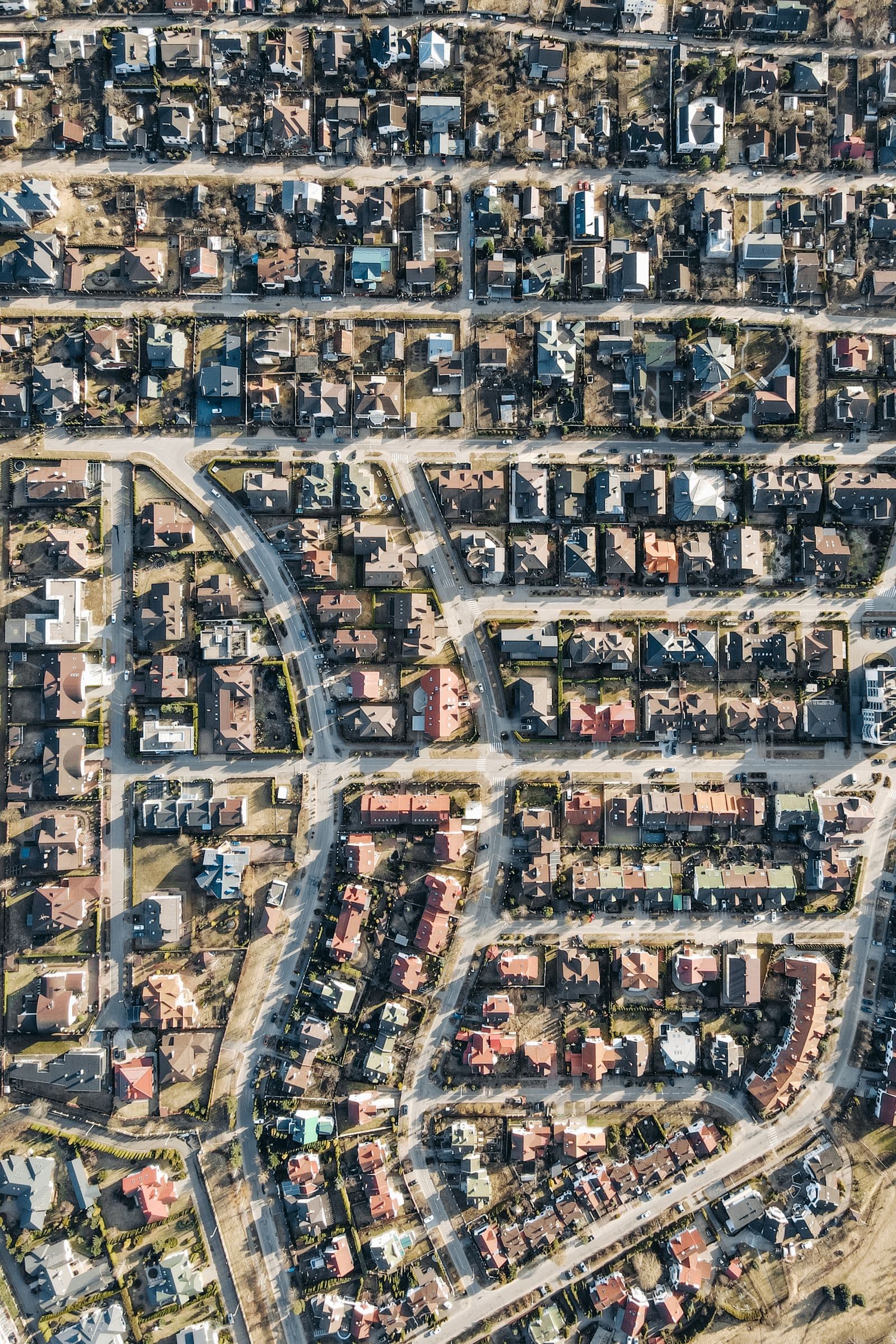
Explore census lenses and audience fit. Use your existing coverage to surface promising places you haven’t reached.
- Income, density and ownership lenses
- A fit score for each area
- Coverage you already have, on the same map
- Audience fit
- 92
- Est. doors
- 187
- Already covered
- 0%
The whole campaign. Finally in view.
Every street you walk becomes a row. Covered doors on one side, the response on the other, in the same record.
| Street | Doors walked | Est. doors | QR scans | Leads | Bookings |
|---|---|---|---|---|---|
| Maple Avenue | 38 | 1 | 1 | ||
| Oak Avenue | 31 | 1 | 0 | ||
| Riverside Walk | 27 | 0 | 0 | ||
| Birch Lane | 28 | 0 | 0 | ||
| Cedar Court | 22 | 0 | 0 | ||
| Elm Street | 41 | 0 | 0 | ||
| 6 streets | 124 of 187 doors | 187 | 6 scans | 2 | 1 |
This is a sample campaign. Yours shows your own streets.
Get early accessDoor counts are estimates. GPS shows where the phone travelled. It does not prove a flyer reached every address.
Built for a real walk, down to the details.
These are the things you only build after walking routes yourself. All of them are in the app today.
See all featuresIt tracks from your pocket.
Start the shift, lock the phone and walk. Recording carries on with the screen off.
It pauses when you drive.
Sustained driving speed is detected, so the trip between streets isn’t counted as coverage.
It keeps going without signal.
Your walk is stored on the phone and synced when the connection comes back.
It snaps your trail to real streets.
The route is matched to the street network, so the map shows streets and not a wobbly line.
It splits the area for your crew.
A campaign area can be cut into balanced walking territories, one per person.
It warns you about overlap.
If two walkers are covering the same ground, the app says so while they’re still out.
It scores every neighborhood.
Each area gets a fit score from 0 to 100, built from income, home ownership and density.
It guides you there and back.
A planned route shows on the map, with directions to the start and back to where you parked.
Other tools track activity. This one measures outcome.
Route apps know where a driver went. Sales tools log a knock. Neither can tell you what a flyer brought back, and that is the only question that decides your next drop.
| Helps choose where to drop | Records coverage on its own | Ties a flyer to a booking | |
|---|---|---|---|
| A map and a spreadsheetWhat most owners use now | No | No | No |
| A route-planner appBuilt for drivers and deliveries | No | Partly | No |
| A door-to-door sales toolBuilt for sales reps, priced per seat | Partly | Partly | No |
| A print shop’s QR codeOne code for the whole run | No | No | Partly |
| DoorDropprBuilt for flyer campaigns | Yes | Yes | Yes |
A comparison by type of tool, based on what each is designed for. Individual products vary.
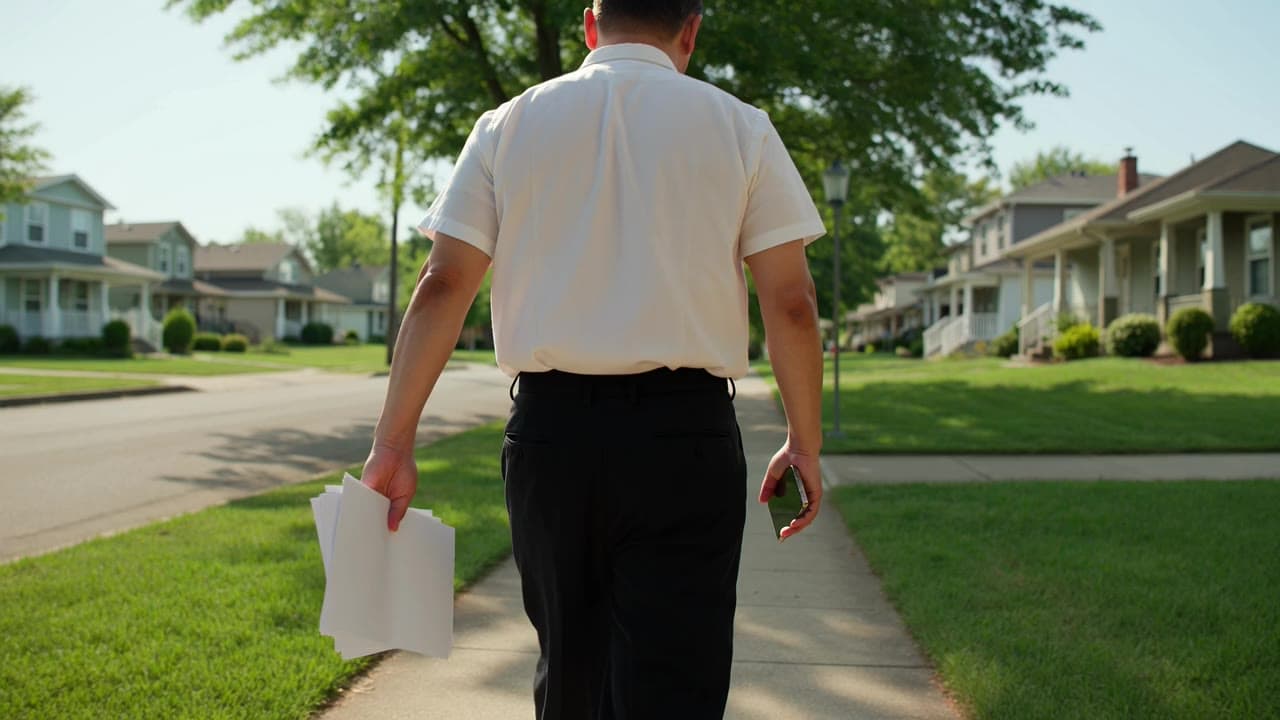

Stock and illustrative photography
Advertising you control. Decisions backed by data.
Boots-on-the-ground marketing deserves modern analytics. Whether you’re one person building a business or a team covering the city, see where your flyers go and what happens next.
Choose your next area with confidence.
Bring your service area, ideal customer, neighborhood insights, and past coverage into the same decision.
Learn what the campaign brings back.
Keep coverage, QR scans, and supported website conversions connected, so the next campaign starts better informed.
- Home services
- Shops & restaurants
- Professional services
- Field teams & agencies
Go deeper.
- All features Every tool, grouped by the job it does for your campaign.
- Delivery evidence What GPS, movement signals and flyer custody can and can’t prove.
- The DoorDroppr Pixel First-party website events that connect a scan to a booking.
- Integrations Setup paths available today and the connector roadmap.
- Who it’s for Owner-operators, field teams and agencies.
- Plans & early access Where the private beta stands and how to join.
Put your next drop on the map.
Join the private beta and see which streets bring customers back.
- Join the list
- Get your invite by email
- Walk your first street